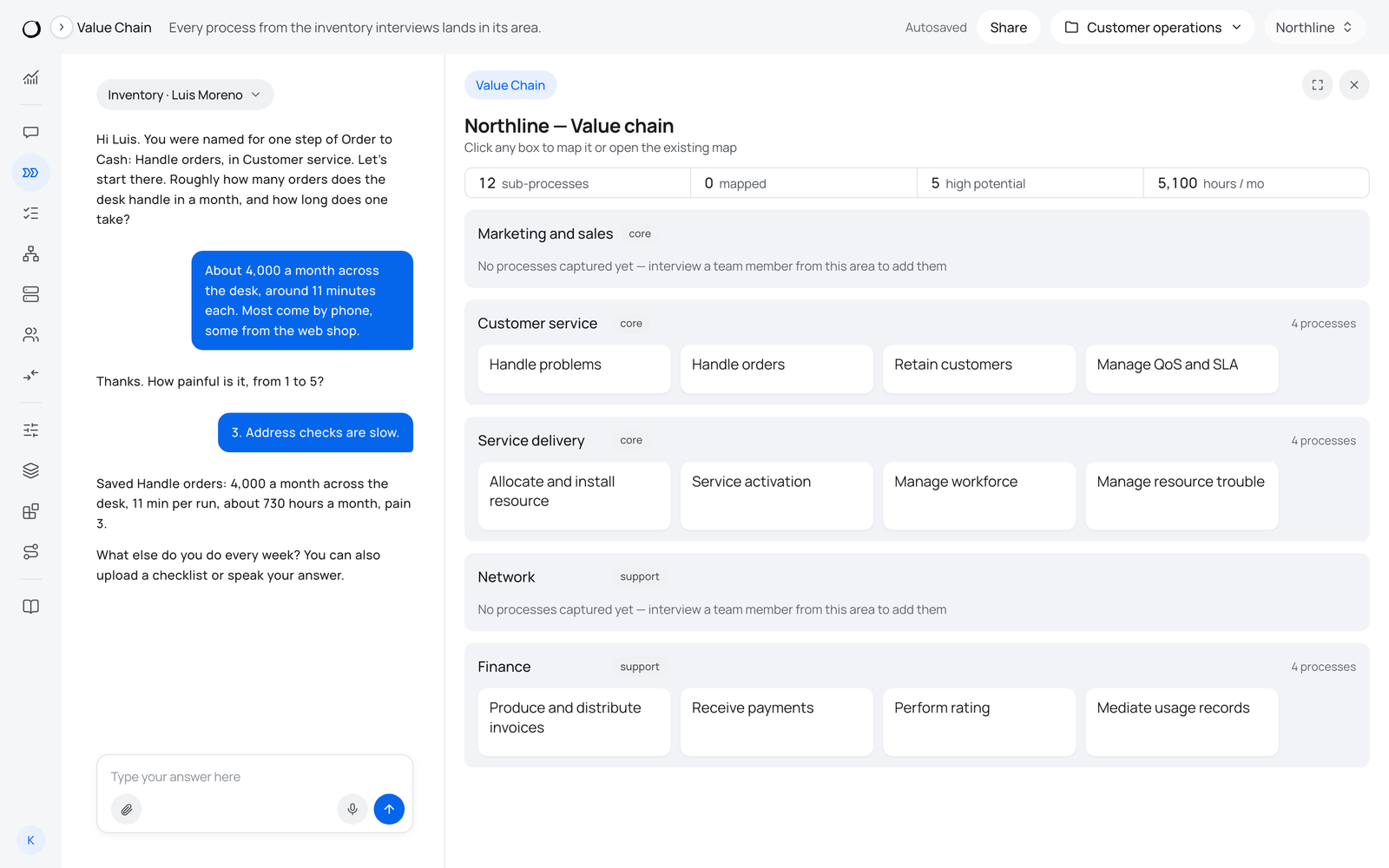
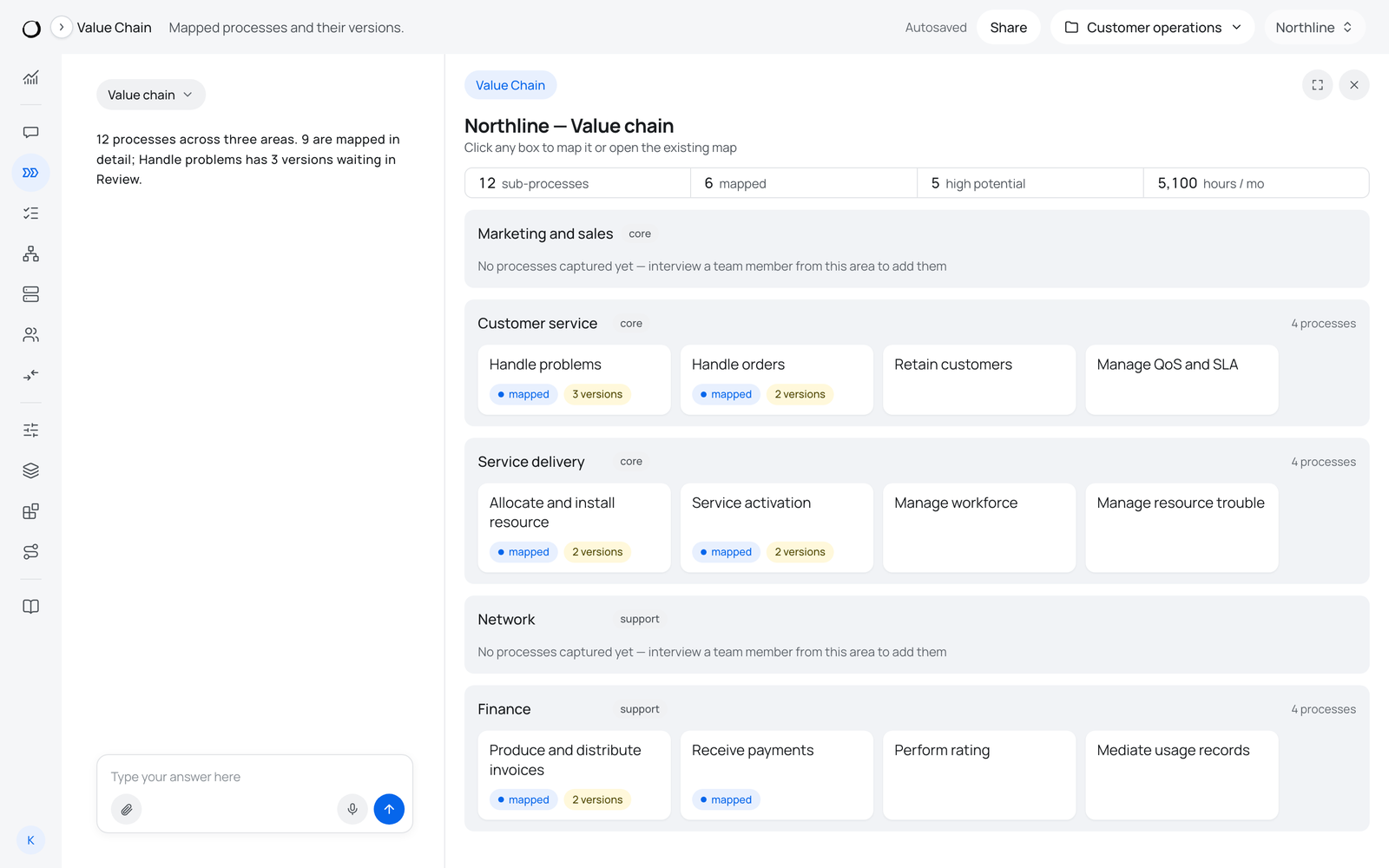
The Value Chain holds the whole area in one picture: a band per area, a card per process. Every interview answer lands here.
Where: Mapping, Value Chain.
What is on it
- A band per area, marked core or support, with the number of processes in it.
- A card per process. A mapped process also shows mapped, and the number of versions when several people described it.
- Counters at the top: sub-processes, mapped, high potential, hours a month.
- Show, which switches the screen to an end-to-end process and back.
An area with nothing in it reads "No processes captured yet — interview a team member from this area to add them".
What it is for
- Clicking a card opens its process map, or starts the process interview when there is no map yet.
- Chat beside it renames, adds or removes areas and processes: "rename Sales to GTM", "remove tech debt".
- The counters show how much of the area is covered, which is what the lead follows day by day.
How to read the result
Left to right, one process at a time:
- Click a process card on the Value Chain.
- See its row in the Inventory: hours, pain, potential.
- Open its detailed map: steps, roles, systems, minutes.
Show changes the same screen to an end-to-end process, with its numbered steps and handovers across areas.